

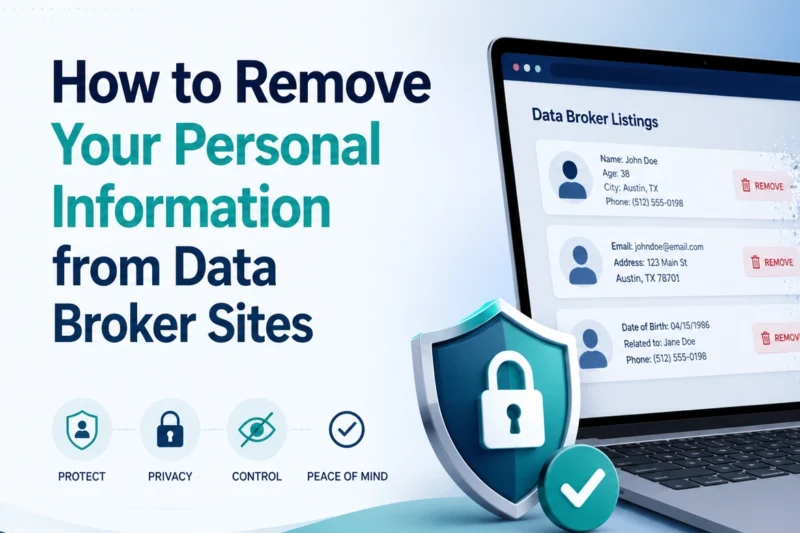
Short answer: search for your name, address, phone number and email online, identify broker or people-search listings, submit opt-out or deletion requests, keep evidence, repeat the process, and consider a data removal service if you don’t want to manage it manually.
This guide is for UK users who want to reduce how much personal information is available through data brokers, marketing databases and people-search style websites.
What You Need Before You Start
- Your current and previous names, addresses, phone numbers and email addresses.
- A private browsing window or separate browser profile.
- A spreadsheet or notes file to track requests.
- Proof of identity if a legitimate deletion process requires it.
- Time, because broker removal is repetitive.
Common Mistakes to Avoid
- Don’t pay random websites that promise instant removal from everywhere, check the company first.
- Don’t send passport scans or sensitive ID unless you’re confident the request is legitimate and necessary.
- Don’t expect Google removal to remove the original data, search result removal and source removal are different.
- Don’t assume every public record can be deleted, some data is kept for legal or public interest reasons.
Recommended Tools
Incogni, DeleteMe, OneRep, Kanary and Malwarebytes Personal Data Remover are examples of managed data removal services.
Email alias tools such as Firefox Relay, SimpleLogin, Proton Pass aliases and Surfshark Alternative ID can reduce future exposure. A password manager helps track accounts and aliases.
